
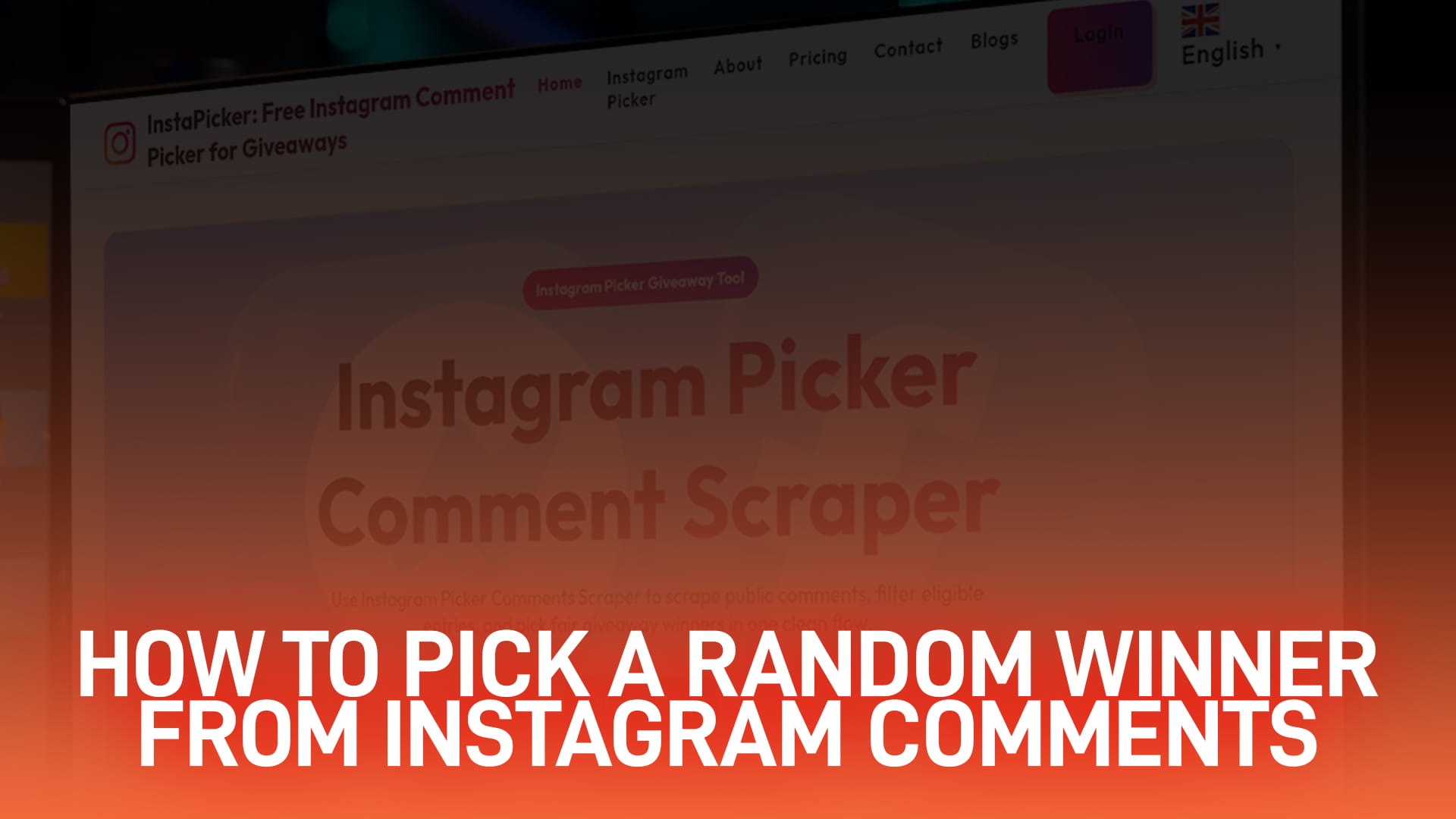
How to Pick a Random Winner on Instagram Comments — Free, No Login Required
If you want to pick a random winner on Instagram right now, here's the short version: paste the post's link into a free comment picker, let it load every public comment on the post (including replies), apply the rules you already announced — one entry per person, required hashtag, minimum number of tags, whatever you promised — and draw. The whole thing takes under two minutes on a phone. The part people skip is the record-keeping: you should walk away with the eligible entry count, the filters you ran, and a timestamp, because "I picked a winner" and "I can prove I picked a winner fairly" are two different claims, and only one of them survives a comments section full of "this is rigged."
Pick a winner now — free, no Instagram login
Why Manual Picking Fails
Scrolling a comment section and stopping on a name is not a random draw, even when you mean well. Three things go wrong every time:
You can't actually see every entry. Instagram paginates comments, collapses replies under "view more," and quietly hides some comments it flags as spam — so the person scrolling is drawing from a partial list without knowing it.
People unconsciously favor names that are easy to read, familiar, or belong to someone they recognize. This isn't dishonesty, it's just how attention works, and it's exactly why "I just picked whoever felt right" doesn't hold up when a stranger with 4 comments and no profile picture didn't get a fair shot at being seen.
And without a record, nothing is reproducible. If someone asks "how many people actually entered?" six hours after you've already announced a winner, "I don't know, I just looked at the comments" is not an answer that survives a follower base of any size.
How to Pick a Random Winner on Instagram: The 6-Step Method
- Close entries at a stated time and draw soon after. Pick a cutoff (with time zone) before you launch the giveaway, not after. Drawing within an hour or two of close keeps the entry pool from drifting if people keep commenting after you've stopped counting.
- Load every public comment, including replies. A picker that reads the post URL directly will usually pull in more entries than what's visible on screen — don't be surprised if the real count is 15–30% higher than what Instagram shows at a glance, since replies and lower comments aren't all rendered by default.
- Apply your published rules exactly. Deduplicate if you promised one entry per person, require the hashtag or the minimum number of tags you asked for, apply any date cutoff, and exclude your own team and any giveaway accounts. Over-filtering — cutting people for reasons you never actually stated in the caption — is the single most common complaint hosts get.
- Draw winners and alternates together, in one pass. Pulling a backup winner at the same time as the main winner (rather than redrawing later) keeps the whole process inside one provable run instead of two separate ones that are harder to defend together.
- Record the draw. Keep the filtered entry list, the eligible count, the exact timestamp, and which filters ran. A 10-second screen recording of the draw itself is the cheapest insurance you can buy against a "this was fixed" comment.
- Announce the winner with the numbers, not just the name. State the entry count and the draw time, confirm you'll never ask the winner for payment or card details (scammers impersonate winners constantly), and restate the claim window and what happens if they don't respond.
Is InstaPicker's Comment Picker Actually Free?
Yes, for the draw itself — and this is worth being specific about, because a lot of comment pickers advertise "free" and then cap you at a comment count that doesn't survive a post with any real reach. InstaPicker doesn't put a hard ceiling on how many public comments it loads for a standard draw, filters are included rather than locked behind a paywall (required keyword or hashtag, a minimum number of tagged accounts, a date cutoff, duplicate removal, and an exclusion list — all combinable in one run), and you can export the eligible entry list afterward as a record. None of that requires an account or an Instagram login for a public post.
Compare that to what you'll find elsewhere: CommentPicker.com's free tier tops out around 100 comments before it asks you to upgrade, and AppSorteos caps its free tier around 300. If your giveaway post gets more comments than that — which happens fast once a post gets reshared — you hit the ceiling mid-draw.
There is a paid tier, aimed at accounts running frequent or very high-volume giveaways who want extras like saved presets across multiple draws — current pricing for that tier is on the pricing page, since numbers like these are the kind of thing that changes and a blog post is the wrong place to pin an exact figure in stone. For the giveaway most small accounts and small businesses run — one post, a few hundred to a few thousand comments, a single draw — the free tier is the whole story.
Weighted vs. Equal Entries
One entry per person is the fairer default, and it's what most audiences expect unless you say otherwise. Weighted entries — where each comment counts as a separate entry, so someone who comments five times gets five chances — are fine to run, but only if you say so in the rules before entries open. Deciding on weighting after the fact, especially after you've seen who commented the most, is exactly the kind of after-the-draw rule change that gets screenshotted and called out.
Handling the Awkward Cases
A few situations come up often enough to plan for in advance rather than improvise in the moment:
A winner who's a friend, employee, or someone who works with you. Exclude hosts and staff in the rules before you launch, not after someone wins and people notice.
A bot or clearly fake account wins. Decide your stance on obviously fresh, zero-post, no-profile-picture accounts before the draw, and state it in the rules — don't disqualify one retroactively just because it looks suspicious after the fact unless your rules already covered it.
The winner doesn't respond. Set a claim window (48–72 hours is typical) and an alternate process in the rules from the start, so redrawing isn't a judgment call later.
Someone claims the draw was rigged. This is where your recording, your filtered entry list, and your published rules do the work — you point to what you already documented instead of re-litigating the draw in the comments.
Common Mistakes to Avoid
Drawing before entries actually close. Filtering the entry list after you've already seen who the frontrunner looks like. Drawing from a comment load that didn't finish pulling in replies. Announcing a winner with no claim deadline, so the prize sits unclaimed for weeks. And leaving duplicate entries in the pool when your own rules said one entry per person — small inconsistency, but it's the first thing a sharp-eyed follower will point out.
Exporting Your Entry List for the Record
If you want more than a screenshot — say, for a business giveaway where you might need to show your work later, or you just want a clean dataset instead of eyeballing a comment section — export the filtered entry list to a spreadsheet. That gives you a permanent, sortable record of who was eligible, separate from Instagram's own comment feed (which can change if people delete comments after the fact). Our guide on exporting Instagram comments to Excel or Google Sheets covers the export format and how to open it cleanly without emoji turning into garbled characters.
Reels and Videos Behave Differently
Giveaways run on Reels tend to pull in deeper reply threads and a noticeably higher share of low-effort or spam comments than a static feed post — worth tightening your filters (minimum tag count, required keyword) a little more than you would on a normal photo post, since the entry pool skews noisier.
Do You Need to Connect Your Instagram Account?
No — not for a standard draw on a public post, Reel, or video. A picker that reads the public post URL can load the comments that are already visible to anyone, without you handing over an Instagram login. That only changes if you're trying to pull data that isn't publicly visible (comments on a private account, for instance). If "do I have to log in" is the thing holding you back from running your first giveaway, our dedicated post on comment pickers that need no Instagram login walks through exactly what is and isn't accessible without one.
Frequently Asked Questions
Yes — loading comments, running filters, and drawing a winner on a standard giveaway doesn't require payment or an account. There's a paid tier for high-volume or frequent use, with current pricing on the pricing page, but a typical one-post giveaway draw doesn't need it.
No, not for a public post, Reel, or video — the picker reads comments that are already publicly visible from the post's link. You'd only need to connect an account for content that isn't publicly accessible in the first place.
Publish the eligible entry count, the filters you applied, and the exact draw timestamp, and keep a screen recording plus the filtered entry list. That combination is what actually answers "prove it" — a screenshot of just the winner's name doesn't.
The number Instagram displays on a post includes replies, since-deleted comments, and comments it has quietly spam-filtered, none of which are necessarily pulled into a comment load. A gap between the two numbers is normal, not a bug.
That's your call, but it has to be decided and stated before entries open — one entry per person is the fairer and more common default, since letting repeat commenters rack up extra entries rewards spamming over participating.
Yes, as long as your rules set a claim window and an alternate process up front. Draw your alternate at the same time as the main winner rather than running a second draw later — it's easier to defend as one fair process instead of two.